








Choose a path
New to gori? Run the Quick Start first. When you want a task-led walkthrough that crosses several tools, open the field guide; use the guides here to understand one part of the workbench in depth.
The Interface at a Glance
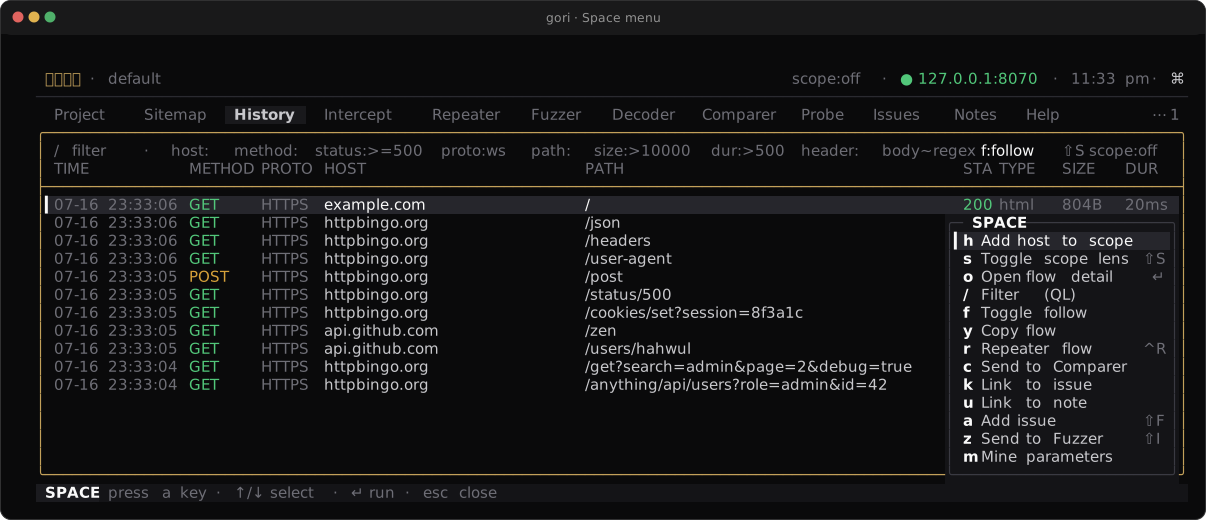
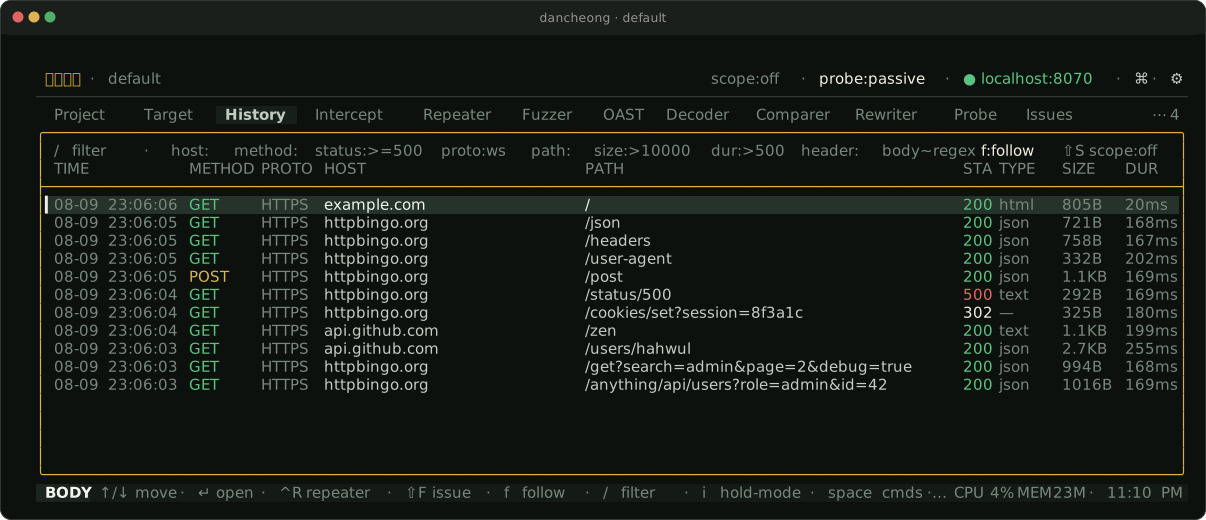
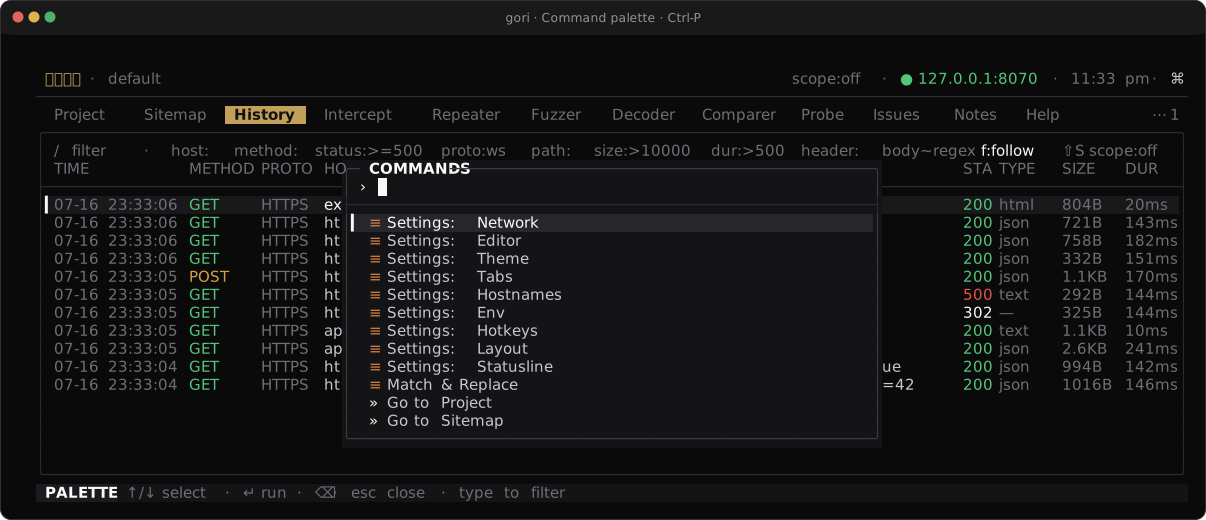
gori is organized into tabs; move between them with [ / ] or jump with number keys. Two keys reach every action: Space opens the space menu (what you do most in the focused pane, one letter each), and Ctrl-P opens the command palette (any action, by typing its name). Space Menu & Palette teaches both; Day-1 chords live in the Quick Start.
| Tab | Purpose |
|---|---|
| Project | Home: scope, host overrides, env vars, description, network |
| Target | Sitemap (host → path endpoint tree) + Discover (spider & directory brute-force) + Diff (retest: two projects at endpoint scale) + Params (parameter inventory per endpoint) |
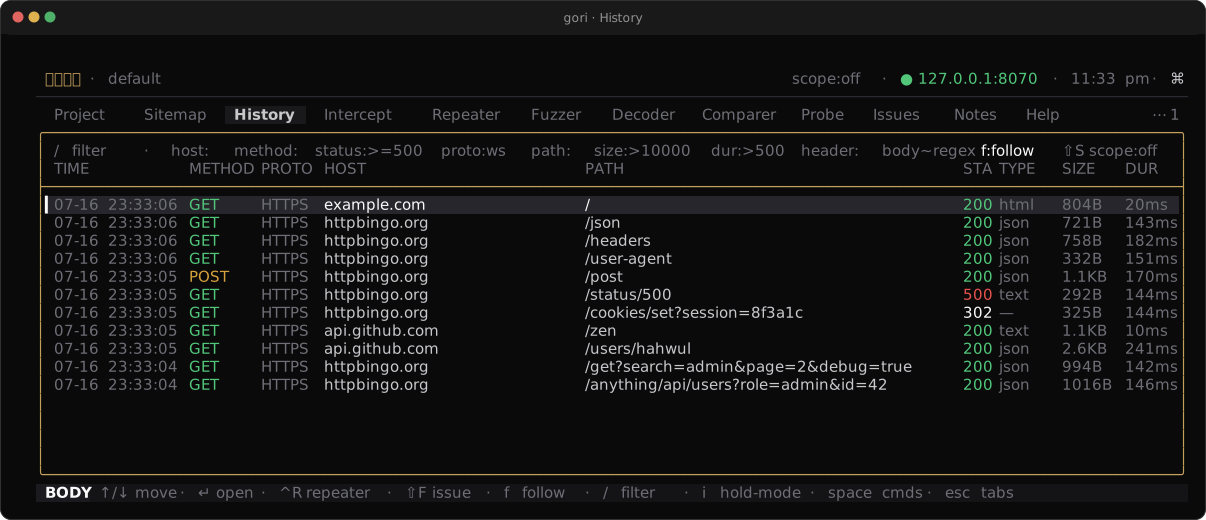
| History | Captured (and imported) flows with full request/response detail |
| Intercept | Hold requests/responses for a manual decision |
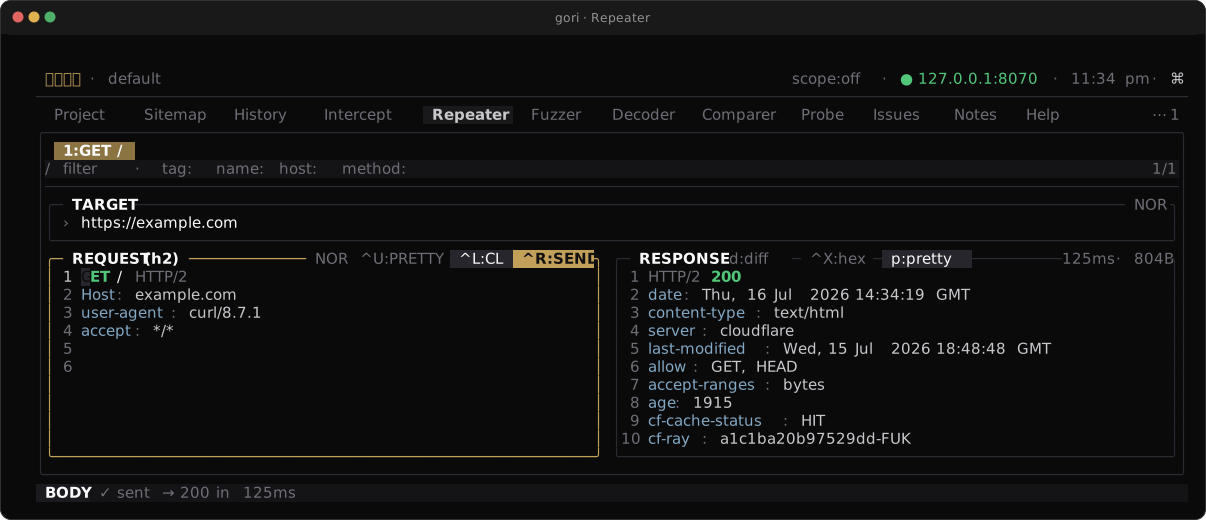
| Repeater | Request workbench (incl. WebSocket & gRPC modes) |
| Fuzzer | Intruder-style fuzzer with four attack modes |
| Miner | Hidden-parameter discovery (behind 0 by default) |
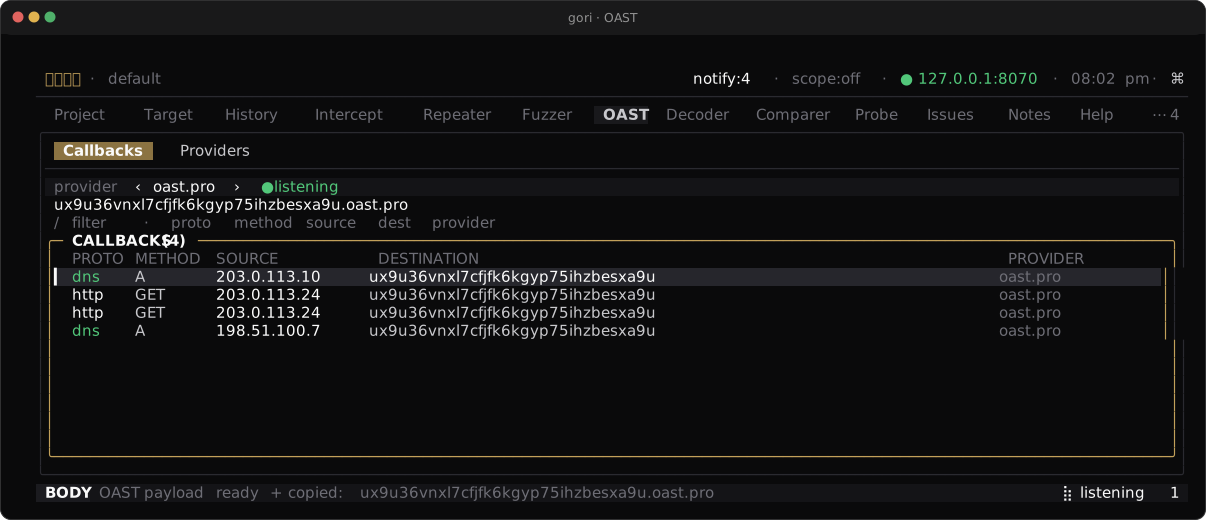
| OAST | Out-of-band callback listener for blind vulnerabilities (behind 0 by default) |
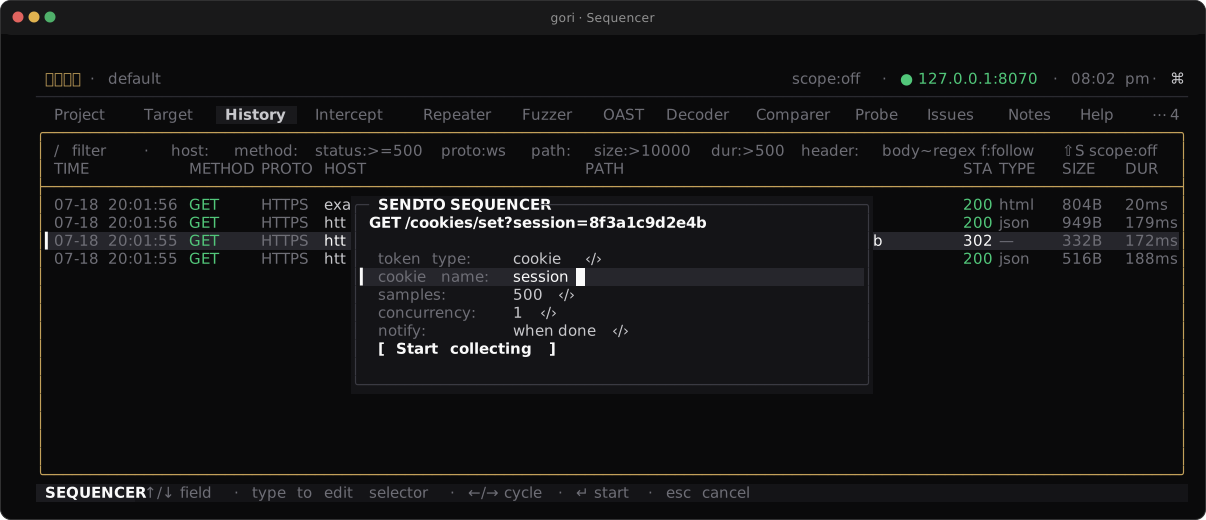
| Sequencer | Token randomness / predictability analysis (behind 0 by default) |
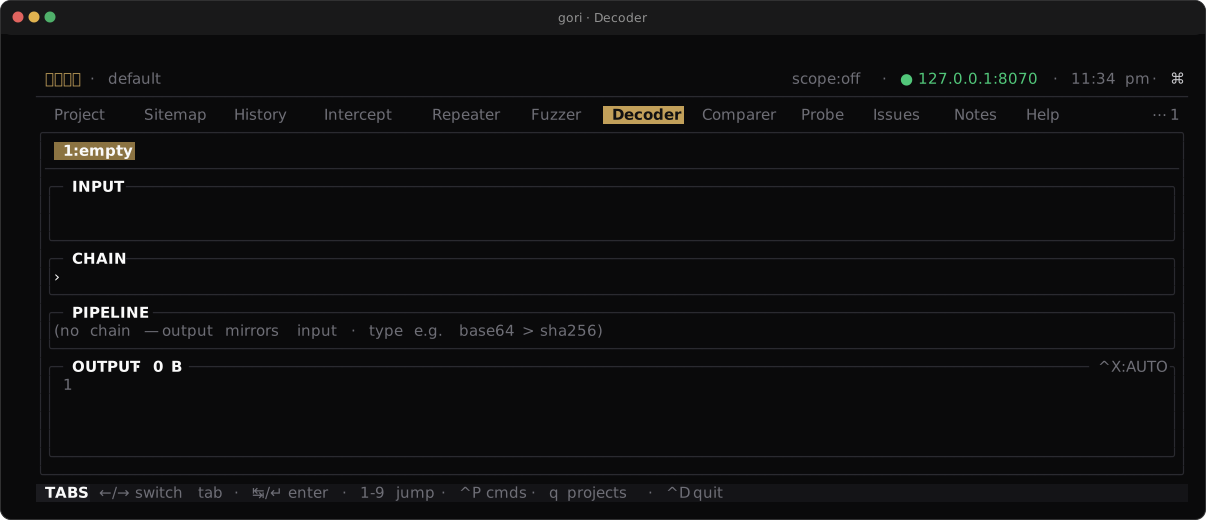
| Decoder | Encode / decode / hash pipeline (behind 0 by default) |
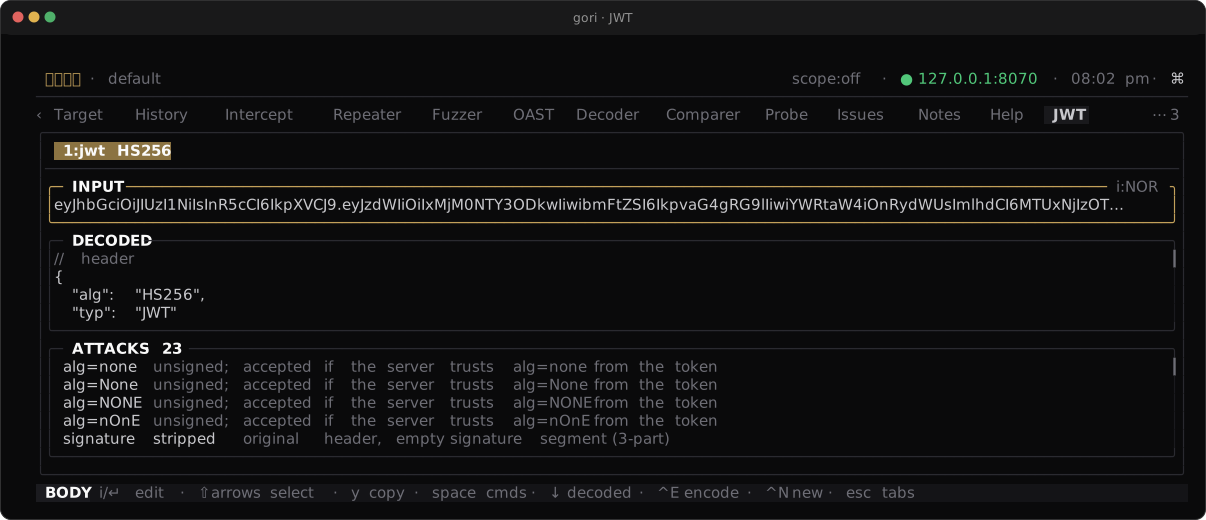
| JWT | Decode, re-sign, and attack JSON Web Tokens (behind 0 by default) |
| Cookie | Decode, verify, crack, and re-sign Flask / Rack / Django session cookies (behind 0 by default) |
| Comparer | Side-by-side diff of two flows (behind 0 by default) |
| Rewriter | Match & Replace rules that rewrite traffic in flight (behind 0 by default) |
| Colormarker | Row-colour rules for History, by query (behind 0 by default) |
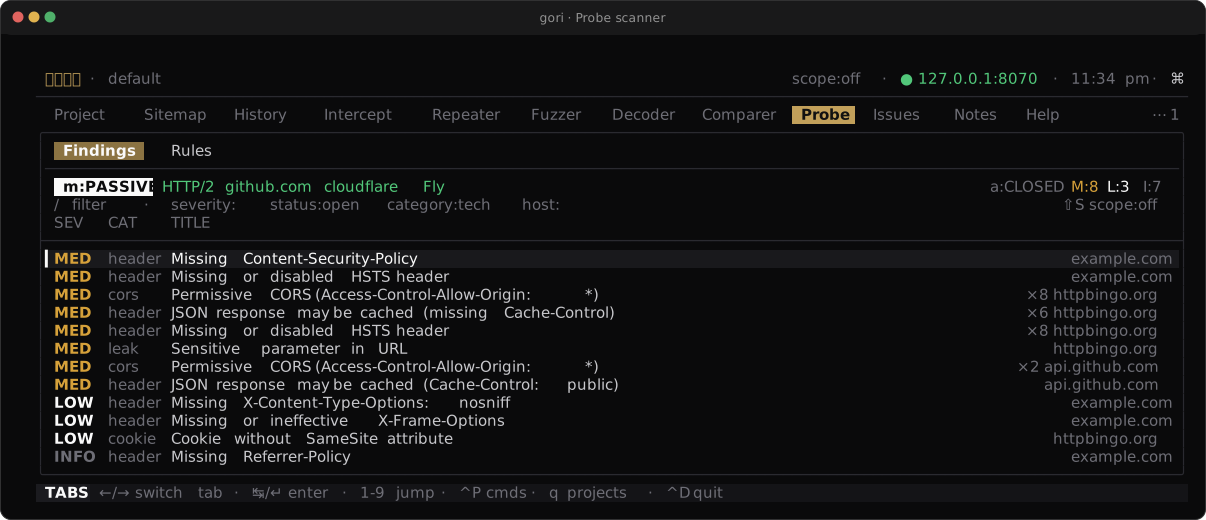
| Probe | Passive & light-touch active security scanner |
| Authorize | Replay a request under several identities to find broken access control (behind 0 by default) |
| Issues | Triage results by severity and status |
| Evidence | Frozen request/response snapshots, project-wide (appears once one exists) |
| Notes | Per-project Markdown notes |
| Help | Key bindings and links (behind 0, or ? from anywhere) |
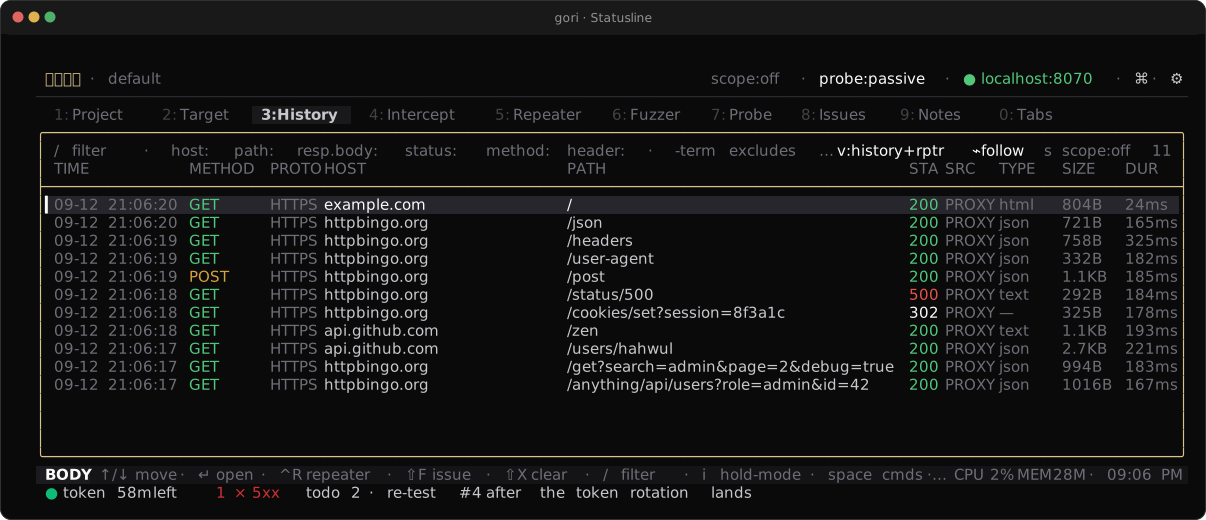
The tab bar is nine numbered slots, and a fresh install fills them with the loop you actually work in:
1:Project 2:Target 3:History 4:Intercept 5:Repeater 6:Fuzzer 7:Probe 8:Issues 9:Notes 0:Tabs
Press 1-9 to jump to a slot and 0 to reach any of the other twelve through a
type-to-filter list of the whole catalog. The tabs behind 0 are the ones you reach for rather than live
in (OAST, Decoder, JWT, Comparer, Rewriter) plus the specialised workbenches (Miner,
Sequencer, Cookie, Colormarker, Authorize) and Help, which ? opens from anywhere.
Evidence is behind 0 as well and is only offered once the project holds its first frozen
snapshot, since there is nothing to archive before that.
Rearrange the nine in Preferences (Ctrl-,) → Network & Tabs → Tabs, or
settings:tabs in the palette. The list is the bar: the rows above the seam are the nine
slots in order, everything below it is what 0 reaches, and the slot numbers renumber as you
go. ⇧K/⇧J move a row. Moving one up across the seam puts that tab on the bar and pushes the
last slot off, so rearranging is choosing. space sends a row straight across. (If you would rather have the old
unbounded bar, turn off Layout → Tab bar slots; 0 keeps working either way.)
Global lenses that are not tabs: capture (c), intercept (i), and the scope
lens (s) toggle from anywhere.